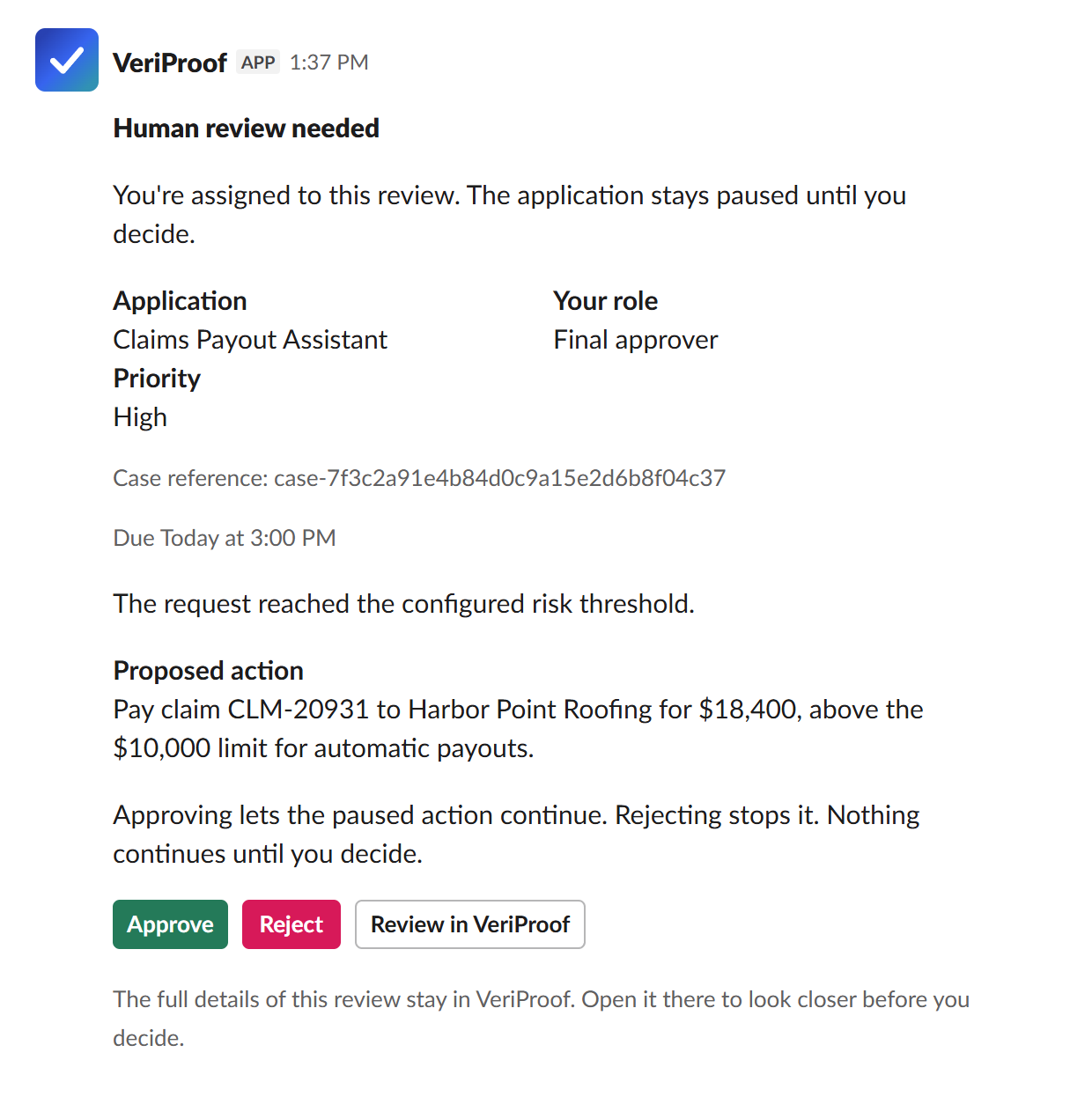
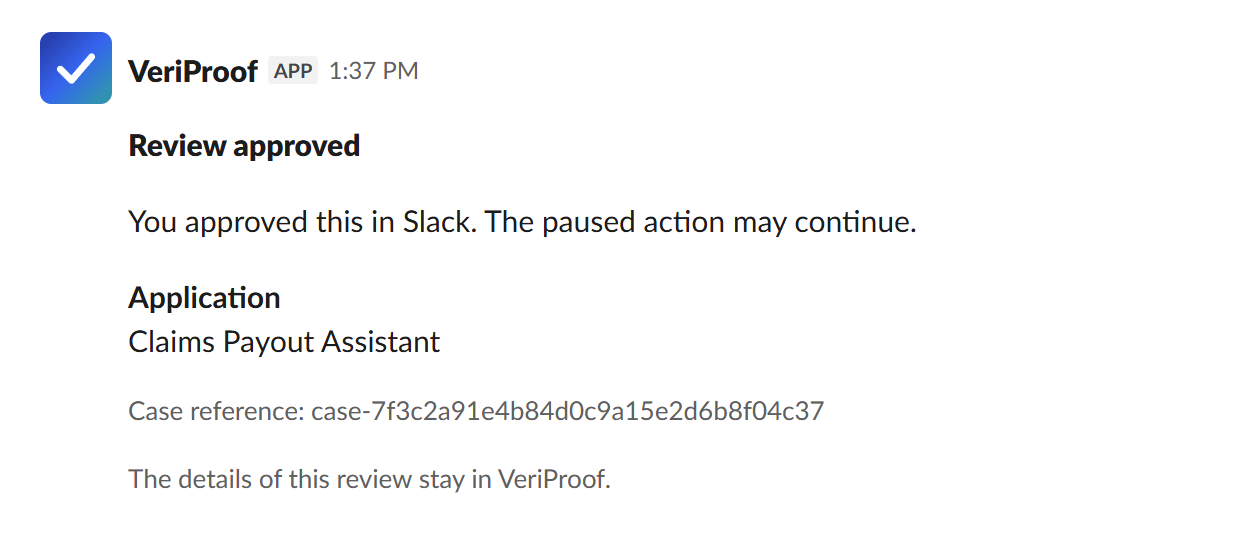
Approve or reject is rarely what is being decided. A reviewer might need to set a limit, correct one field, or send the work back with a note. Give them the context and a response that fits, and the answer goes straight back into the workflow.
What reviewers get:Choices that fit the decisionClear information sourcesRecorded responses
Available budget$32,000Application-provided context
Vendor statusApprovedApplication-provided context
Payment review
One response will be sent
Awaiting response
$USD
Minimum $0 · Maximum $32,000
Payment schedule
Split into two payments
Response preview
$25,000 limit · Two payments
After submissionThe application checks the updated payment against current rules. If those checks pass, it resumes with the approved limit.
Submit response
Structured human review
Ask for the decision the workflow needs
A payment limit needs a number. A proposed change may need feedback. Give reviewers a response format that fits the work, with context that identifies where each fact came from.
1
The application pauses
The application saves its workflow state while the work waits for a person's judgment.
2
A reviewer responds
They see who supplied each fact and use controls designed for the decision.
3
VeriProof delivers the result
A signed, structured response connects the person's decision to the work awaiting review.
4
The application decides what follows
Current policy and business checks determine whether the work resumes, changes, stops, or remains paused.
More than approve or reject
Collect the answer the workflow actually needs.
✓Approve or reject
✓Set a limit or percentage
✓Choose one or more options
✓Provide a date or identifier
✓Add knowledge or revision feedback
✓Correct a permitted field
Your team decides which values a reviewer may replace.
What happens after submission
Each valid response has a defined outcome.
Continue as proposed
Use the original work after the application checks it again.
Use the reviewer’s response
Resume the exact workflow branch with the submitted values.
Send it for revision
Route the response to the application’s revision path.
Keep it paused
Record the response without advancing the protected work.
Slack and Microsoft Teams
Reviews don't wait for someone to log in
When a review is assigned, the reviewer gets a direct message in Slack or a personal card in Teams. Every decision made there is recorded in VeriProof and reaches your application the same way a portal decision does.
Slack forms and Teams cards can collect decisions, typed answers, and questions for the application, within your administrator's data limit. Unsupported fields and action-data replacements open in VeriProof. See the setup requirements for Slack and Microsoft Teams.
Context for the reviewer
Show what matters and where it came from
A reviewer who cannot tell which facts came from the system and which came from the agent is guessing. Here every fact carries its source, and gaps are visible rather than silent.
Recognize the source
Facts from VeriProof records are identified, so reviewers know which
information they are looking at.
Understand the proposal
An application-provided summary explains the work awaiting a decision. Its
facts are labelled separately from VeriProof records.
Notice missing context
Missing or shortened information is visible. Reviewers can judge whether
they have enough to respond.
Connected to your workflow
A human decision your application can use
The reviewer's answer arrives signed and tied to the exact action that was paused. If the work changed while the review was open, that approval cannot be used to advance it.
The 1.0.0 package set includes six core SDKs for TypeScript, Python, .NET, Java, Rust, and Go. 35 Enforce adapters bring the same checks and human review to the major agent frameworks in each language.
Ask for the answers the workflow needs, with up to 12 fields in a review
profile.
One final reviewer
One authorized reviewer provides the final response for each paused
action, with their decision retained for review.
Controlled corrections
Your team chooses which fields reviewers may replace. The rest of the
proposal stays protected.
Frequently asked questions
Your application keeps the paused work. VeriProof holds the review request
and decision history, then returns the reviewer’s response for the
application to check and apply.
Your team chooses the fields and choices available to reviewers. They can
replace permitted values, such as a payment limit, while protected
settings remain unchanged.
The application can cancel an outdated request. It checks the response
before acting; if the work has changed, the earlier approval cannot
advance that action.